 Kodel
An opinionated editor for AI-driven development
Kodel
An opinionated editor for AI-driven development
One window for every repo and the agent working in it.
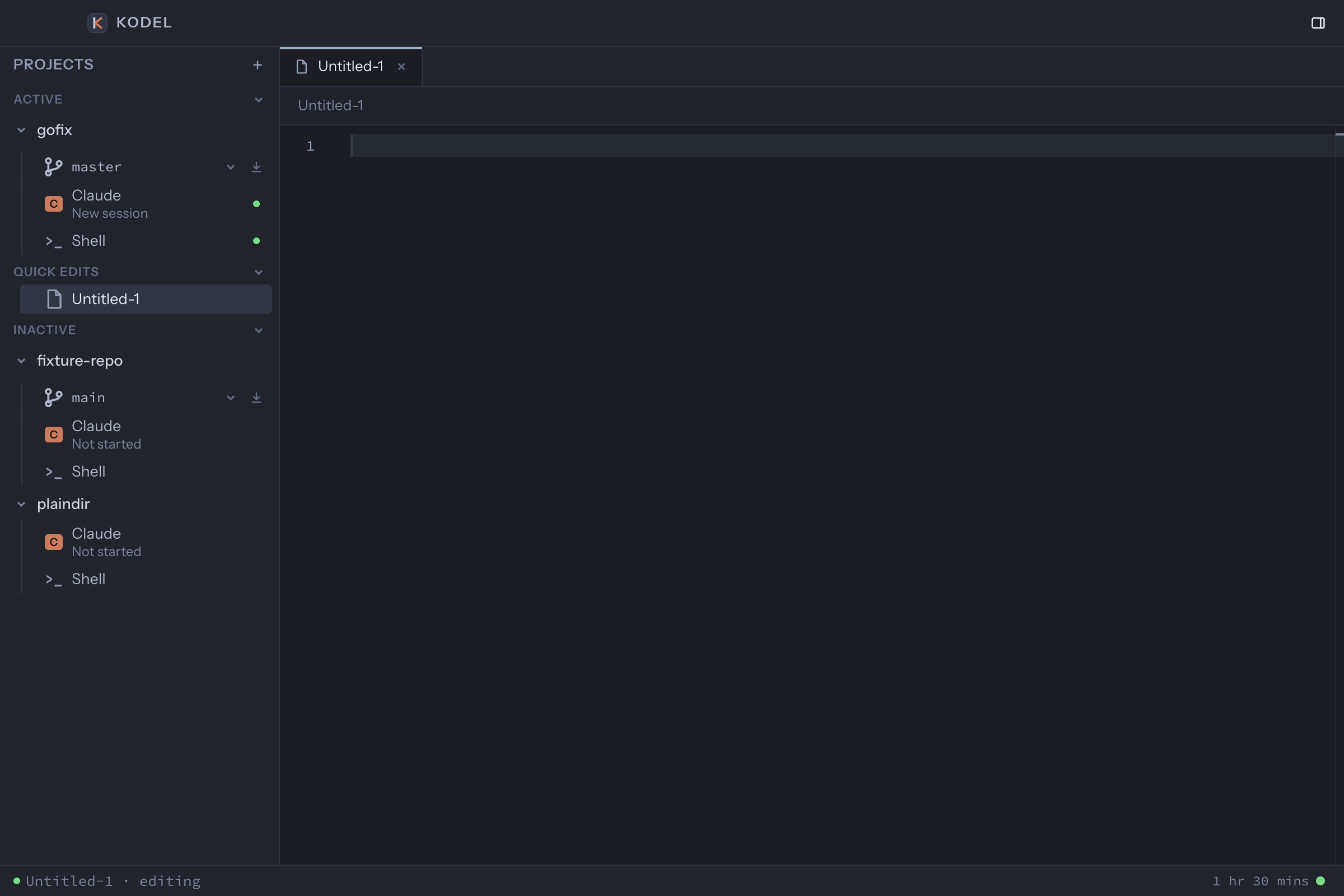
Kodel keeps every project you touch in one sidebar. Each one carries its own Claude Code or Codex session, a shell, and an editor. Two taps of Shift switch projects. Nothing starts until you open it.
Download for macOSApple silicon Free while in preview. Uses the Claude Code or Codex account you already have; no extra keys or sign-ups.
> add a CSV export to the invoices page, same columns as the table
Reading resources/js/pages/Invoices.vue
Reading app/Http/Controllers/InvoiceController.php
I'll add an export action next to the filters and stream the CSV from a new controller method.
Editing InvoiceController.php
Editing Invoices.vue
Done. The export honours the active filters and the column order of the table.
While that runs you are already in the next repo, in its own session, with its own shell. The sidebar tells you which agents are still thinking, and the one that finished is one click away.
Opinionated on purpose.
Kodel exists for one kind of work: many repositories, a coding agent in most of them, and one developer directing them all. Every default is a decision made for that day, not a setting left over from a general-purpose editor.
-
You direct several agents at once, from one window.
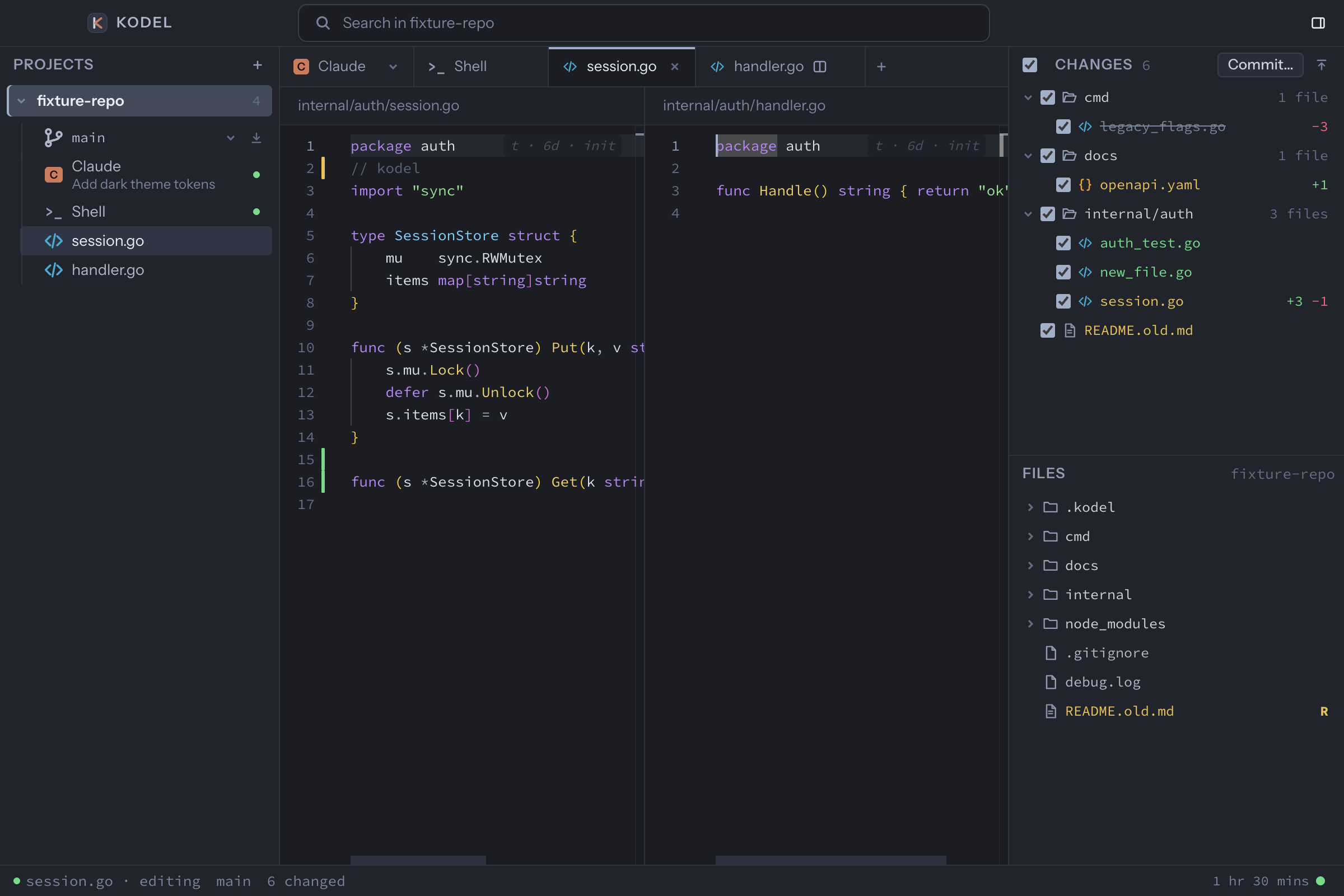
Every repo you work in lives in one sidebar with its own Claude Code or Codex session, shell and files. Switching is two taps of Shift, so you can start a task in one project while another agent finishes.
-
You always know which agent needs you.
The sidebar shows every session that is still working and every one that has finished, across all projects. You go to the one that is waiting, not the one you happened to leave open.
-
Your agents keep the right context.
Opening a project resumes its latest session. Switching branches offers a clean one, so an agent never carries stale work into new work.
-
Twenty repos cost you nothing.
A project and its agent start only when you open them and stop when you say so. Keeping every codebase within reach never slows the machine down.
-
You review agent work without leaving the window.
Everything an agent changed is in the Changes panel, side by side with the original, with a revert for any hunk you disagree with and a commit that includes only what you checked.
-
You check what the agent claims.
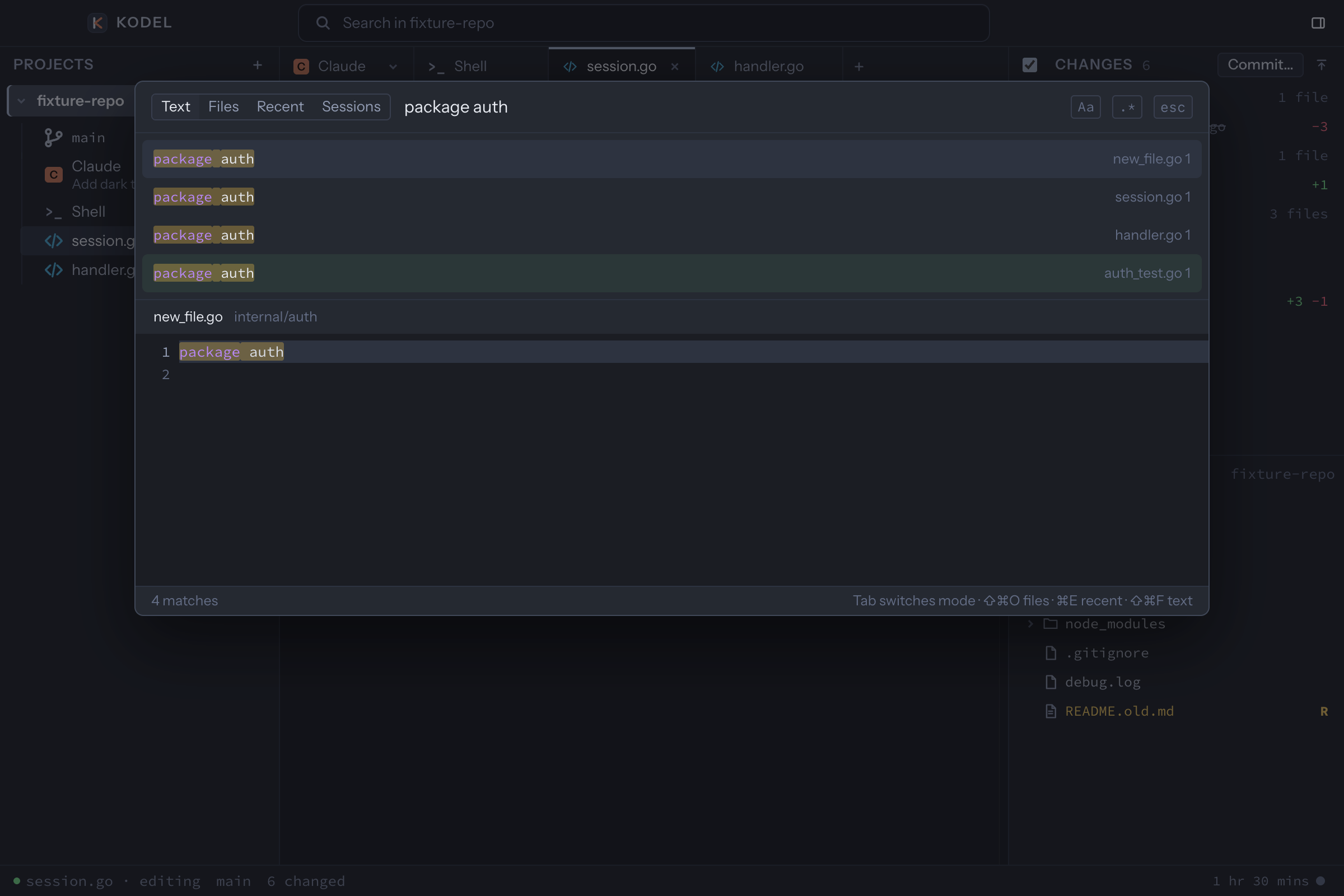
Go to definition and find usages work across the whole project through a local index, so "I updated every caller" is a click to verify rather than a thing to trust.
-
Your notes reach the agent in one keystroke.
Each project has a notes file beside its session. Write the plan there and send it to the agent when it is ready.
-
Nothing about your sessions is stored twice.
History comes from the agents' own transcripts on disk. Rename a session inside the agent and the sidebar follows within a second. Remove Kodel and nothing is lost.
What it looks like.
Get Kodel.
A native macOS app for Apple silicon. It drives the Claude Code and Codex command line tools you already have installed and signed in. It never sees your keys and never stores your sessions.
Download the latest release.dmg, Apple silicon
- Updates arrive inside the app.
- Needs macOS 14 or later and
claudeorcodexon your PATH. - Optional WakaTime support that also counts your agent sessions.
Made by one developer, for the way developers work now. Questions and bugs: hello@kodel.dev.
Claude and Claude Code are trademarks of Anthropic, PBC. Codex is a trademark of OpenAI. Kodel is an independent project and is not affiliated with, endorsed by, or sponsored by either company.